What Is a Firewall? How It Protects You (2026)
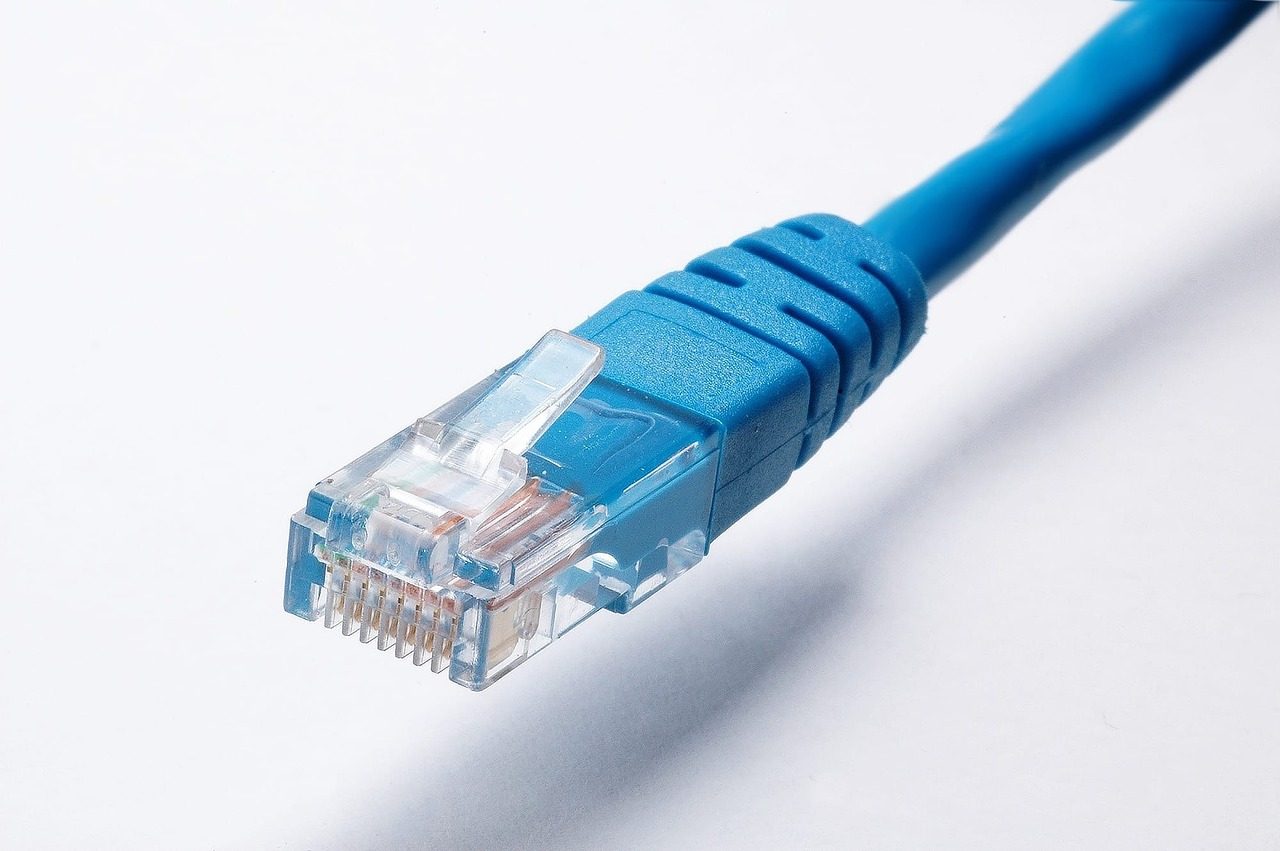
A firewall is one of the oldest and most useful ideas in computer security, yet most people have never been told what it actually does. In plain terms, a firewall is a filter that decides which network traffic is allowed to pass in or out of your device or network. This guide explains what a firewall is, how it works, the main types, and - just as important - what it can’t do.
The short definition
A firewall is a security barrier that monitors network traffic and allows or blocks it according to a set of rules. It sits between a trusted side (your computer or home network) and an untrusted side (the internet), and checks each packet of data against its rules. Traffic that matches an “allow” rule passes; everything else is dropped. The name is borrowed from building design: a firewall is a wall built to stop a fire from spreading from one section to another.
How a firewall works
Every piece of data crossing a network is broken into packets, each tagged with where it came from, where it’s going, and which port (service) it’s for. A firewall inspects those tags and applies its rules:
- A packet arrives heading for your device or out to the internet.
- The firewall checks it against its ruleset - source and destination address, port, and protocol.
- It allows or blocks the packet. A sensible default is “deny everything not explicitly allowed”, so only the connections you actually need get through.

The main types
- Hardware firewall - a physical device (often built into your home router) that protects every device on the network at once, before traffic reaches them.
- Software firewall - a program running on a single device (Windows Defender Firewall, the Linux
nftables/ufwstack, macOS’s firewall) that controls that machine’s traffic specifically. - Packet-filtering firewall - the basic kind: it checks each packet’s address and port in isolation, with no memory of what came before.
- Stateful firewall - smarter: it tracks the state of active connections, so it can tell a reply to a request you made from an unsolicited incoming connection. Almost all modern firewalls are stateful.
- Application-layer firewall / WAF - inspects the actual content of traffic for a specific service (like a web app), not just the address and port.
What a firewall can and can’t do
A firewall is powerful but narrow. It can:
- Block unsolicited inbound connections (a major defense for any device exposed to the internet).
- Stop programs on your machine from “phoning home” if you set outbound rules.
- Segment a network so a compromise in one part can’t freely reach the rest.
It can’t:
- Protect you from malware you invite in yourself - a malicious download or email attachment passes through allowed traffic.
- Stop phishing, weak passwords, or a stolen credential being used over an allowed connection.
- See inside encrypted traffic it’s configured to allow.
That’s why a firewall is a layer, not a complete defense.
Where a VPN fits
A firewall controls which connections are allowed; it doesn’t hide what you do over the allowed ones. On an untrusted network - public Wi-Fi, a hotel, an airport - the network operator and others nearby can still see which sites you connect to. A VPN covers that gap by encrypting your traffic between your device and the VPN server, so the local network sees only an encrypted tunnel. Firewall and VPN solve different problems and work well together: the firewall gatekeeps connections, the VPN protects the ones that are allowed.
The honest takeaway
A firewall is the gatekeeper of your network: it enforces simple, powerful rules about which traffic is allowed in and out, and a “deny by default” stance blocks a huge class of opportunistic attacks. But it only controls connections - it doesn’t vet the content you allow, stop social engineering, or hide your activity on a hostile network. Treat it as the foundation layer, then add a VPN on untrusted networks, keep software updated, and use strong unique passwords. Together those turn a single barrier into real defense in depth.