How to De-Google Your Android Phone (2026): From Light to Full
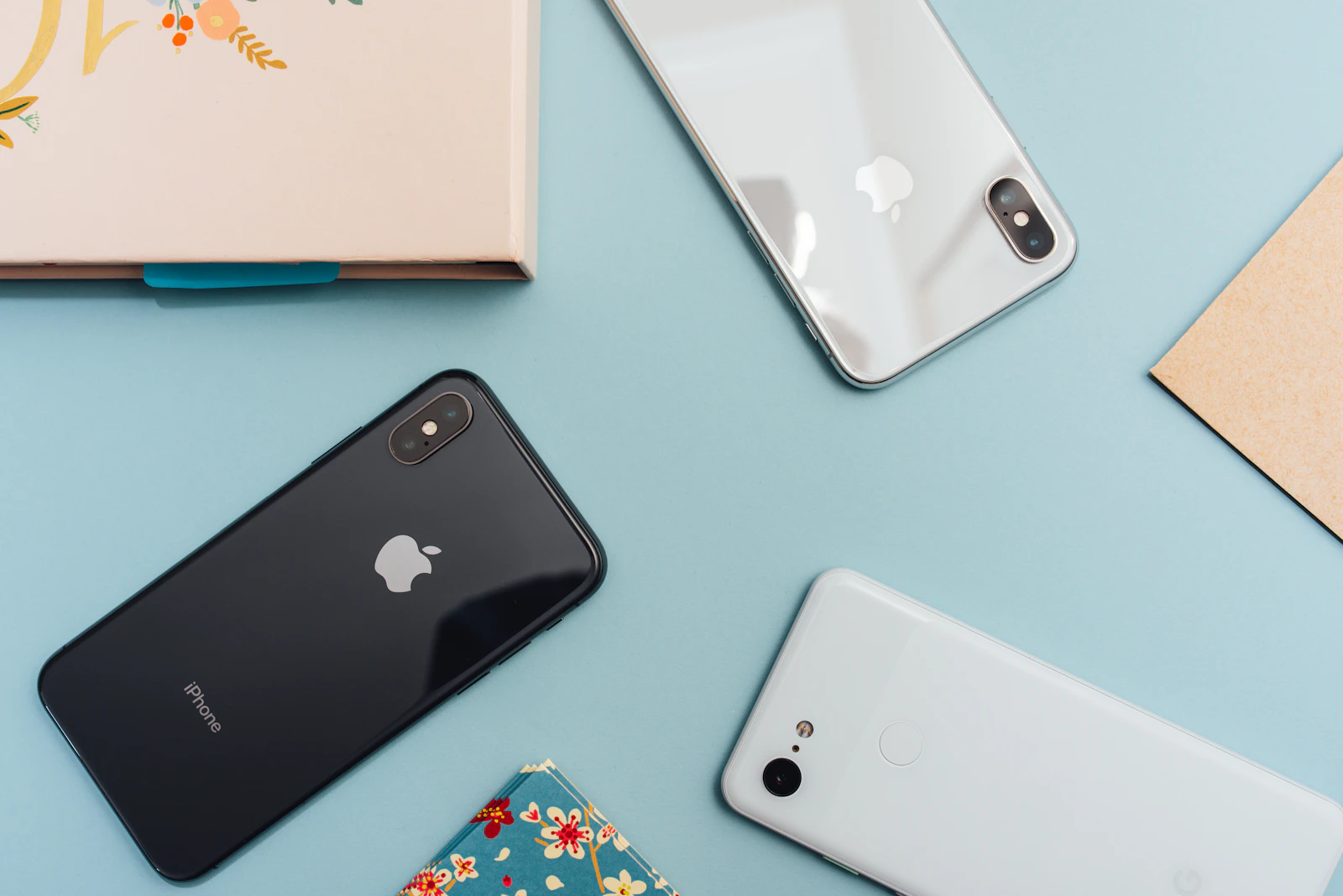
A stock Android phone reports a remarkable amount back to Google: location, app usage, search, and more, woven through the OS and the Play Services that sit under almost every app. De-Googling means removing or replacing that layer so your phone works for you, not as a data feed. The honest truth is that it is a spectrum - from a few app swaps to a full custom OS - and you can stop at whatever level fits your needs and patience. If you would rather start from privacy-friendly hardware, see the best privacy phones.
What “de-Googling” actually means
Two things tie a normal Android phone to Google:
- Google apps (Search, Chrome, Maps, Gmail, Photos) - easy to replace.
- Google Play Services - a privileged system layer many apps lean on for push notifications, location and integrity checks. This is the hard part.
De-Googling is about reducing or eliminating both. How far you go defines the level.

What this hides, and what it does not
Changing where your queries go removes one observer. It leaves untouched what your browser announces on its own, what a lost and unlocked device still opens, and which single account can reset all the others.
Situate your own attack surface, 10 questions, about three minutes, no account, no email, nothing stored. The result names the change that reduces your exposure the most, rarely another resolver.
Level 1 - Light: swap the apps (any phone, 30 minutes)
You can cut a lot of data collection without touching the OS:
- Browser: Firefox or Brave instead of Chrome - compare the options in our guide to the best private browsers.
- Search: a privacy search engine as default.
- Maps: OsmAnd or Organic Maps (offline, open-source).
- Email/Calendar: move to an end-to-end encrypted provider.
- App sources: install Aurora Store (anonymous Play Store access) and F-Droid (open-source apps) to reduce account-tied installs.
This keeps Google Play Services but removes the most data-hungry Google apps. The fastest meaningful win.
Level 2 - Medium: microG (custom ROM with a Google-services replacement)
Custom ROMs like CalyxOS (or LineageOS with microG) replace Google Play Services with microG - an open-source re-implementation that provides the compatibility apps expect (push, location) without Google’s privileged data access. You keep broad app compatibility while removing the real Play Services. The trade-off: you must flash a custom ROM, and a few apps that demand genuine Play Integrity may misbehave.
Level 3 - Full: GrapheneOS or CalyxOS on a Pixel
The strongest level removes Google entirely and adds hardening. GrapheneOS (Pixel-only) ships with no Google by default and offers sandboxed Google Play - you can optionally run the real Play Services as an ordinary, unprivileged app for compatibility, without giving Google system-level access. It is the most complete, most secure de-Googled setup in 2026. See our full GrapheneOS explainer for how it works and which devices it supports.
If you are choosing hardware and an OS from scratch for privacy, our most secure operating systems guide covers the desktop side of the same goal.
The honest limits
- App compatibility. Some banking, payment and DRM apps check for stock Google and may refuse a de-Googled phone - test the apps you depend on before committing.
- Effort scales with level. Level 1 is 30 minutes; Levels 2-3 mean flashing an OS.
- It is privacy, not anonymity. De-Googling stops Google’s data collection; it does not hide your traffic from your network. Pair it with a VPN or Tor - see Tor Browser explained.
- It is technical, not legal. De-Googling shrinks what one company collects, but the apps and brokers you still use are governed by statute - know the rights you can exercise under US data privacy laws (access, deletion, opt-out of sale).
- Notifications. Without Play Services (Level 3 without sandboxed Play), some apps’ push notifications are delayed or absent.
Which level should you pick?
- Want a quick win on any phone? Level 1 - swap apps, add Aurora/F-Droid, move email to encrypted mail.
- Want most of the benefit with app compatibility? Level 2 - CalyxOS / microG.
- Want the maximum, and own (or will buy) a Pixel? Level 3 - GrapheneOS.
De-Googling is not all-or-nothing. Start at Level 1 today; climb only as far as your needs and tolerance for effort take you.
Frequently asked questions
Can I de-Google without rooting or flashing? Yes - Level 1 (app swaps + Aurora/F-Droid + encrypted email) needs no root and works on any Android phone.
Will my banking app still work? Often yes at Levels 1-2, and frequently on GrapheneOS via sandboxed Play and Play Integrity - but a minority of apps refuse non-stock setups. Test first.
Is microG safe? It is open-source and widely used; it provides Google-services compatibility without Google’s privileged data access. Security rests on the ROM you run it on.
Does de-Googling make me anonymous? No. It removes Google’s data collection but does not anonymise your network traffic. Add a VPN or Tor for that.
Editorial guide based on the documented behaviour of Android, Google Play Services, microG, CalyxOS and GrapheneOS. We present de-Googling as a spectrum and state app-compatibility limits plainly. Commercial links carry the rel=“sponsored nofollow” attribute; an affiliate commission may apply at no extra cost to you.