Does a VPN Hide Your Browsing From Your ISP? Yes, and Two Things It Does Not
Short answer: yes, for the part people usually mean. With a VPN running, your internet provider no longer sees which sites you open or what you do on them.
But the question hides two different things behind one word, and both are worth separating before you decide whether a VPN solves your problem.
What your provider actually sees, with and without
Without a VPN, your provider is the road every request travels. Even with HTTPS everywhere, it observes which servers you connect to and when. The page contents are encrypted; the destinations are not, and a list of destinations with timestamps is a detailed picture of a life.
With a VPN, that list collapses into one entry: a single encrypted connection to one server. Your provider sees traffic going there and nothing about where it goes next.
This is the real change, and it is not small. The visible unit stops being “this person opened these forty sites today” and becomes “this person sent 3 GB somewhere”.
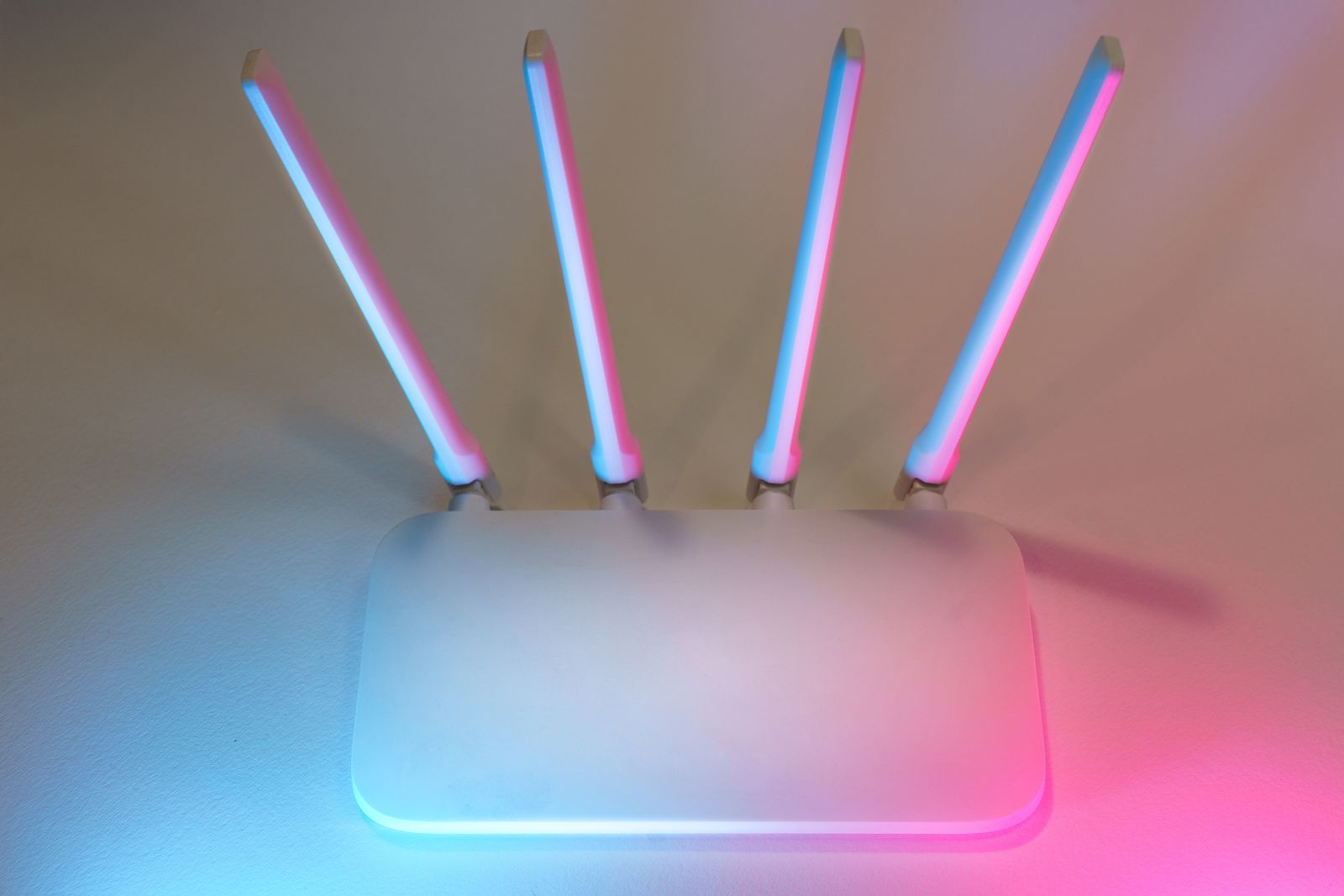
A white router with four upright antennas, lit from behind in pink and blue. Everything leaving your home passes through a box like this one, and the line beyond it belongs to your provider. A VPN does not remove that box from the path, it changes what the box can read.
The first thing it does not hide: that you use a VPN
Your provider still sees a connection to an address that belongs to a VPN operator, carrying traffic that looks like VPN traffic. The fact of using one is not concealed, and hiding it is a different problem with different tools, sold under names like obfuscation or stealth.
For most people this matters not at all. It matters where merely using a VPN is treated as suspicious, which is a question about your situation rather than about the software.
The second thing: the shape of your traffic
Timing and volume remain visible. Your provider can see that you sent a large amount for two hours in the evening, or a steady trickle all day. That pattern is not content, and it is not nothing.
⚠️ We publish no figure on what can be inferred from it, because it depends on the traffic and on who is watching, and any number here would be misleading. What is safe to say is the direction: the more distinctive your usage, the more a pattern says.
The word that causes most of the confusion: history
Searches on this topic split into two very different questions, and they get the same answer far too often.
“Does a VPN hide my browsing from my ISP?” is about traffic in transit. Yes, largely.
“Does a VPN hide my browsing history?” is about a list stored in your browser, on your device. Your provider never had it. A VPN cannot delete it, cannot hide it, and has nothing to do with it. Whoever picks up your unlocked phone reads that history whether or not a VPN was on when the pages were opened.
Two mechanisms, two threats, one word. Sorting them out decides which tool you actually need: a VPN for the first, disk encryption and a lock screen for the second.
What can leak, and defeats all of it
A VPN protects what goes through the tunnel. Anything that escapes it goes to your provider in clear, and there are two ways out: the tunnel breaks, or the traffic was never inside it. The first is what a kill switch exists for. The second, and the classic one, is DNS.
If your DNS queries leave outside the tunnel, your provider sees the name of every site you visit, which is precisely the list you were trying to keep private, even though every page loaded through the VPN. Our page on secure DNS covers how that happens and how to close it, and it is worth doing before adding anything else.
The same reasoning applies further up: a second hop protects the path and nothing beyond it, which is why a double VPN changes nothing against a login, a browser fingerprint or a DNS leak.
And it applies downwards too: if you have set some applications to skip the tunnel, your provider still sees everything those send. That is split tunneling, and it is worth checking what is on that list before concluding your provider sees nothing.
Who ends up seeing it instead
The list your provider stops seeing does not disappear. It moves to the VPN operator, who is now in exactly the position your provider was in.
That trade is only worth making if you trust the operator more than the provider, and that trust should rest on something: a published no-logs policy, an independent audit of it, and a jurisdiction where the policy can hold. Swapping a regulated provider for an unaudited free application is not a privacy gain, it is a change of address.
The short version
- Yes, your provider stops seeing which sites you visit. That is the real and useful change.
- It still sees that you use a VPN, and the timing and volume of what you send.
- Browsing history is stored on your device, not at your provider. A VPN has nothing to do with it.
- A DNS leak hands the list straight back. Close that first.
- The list moves to the VPN operator. Choose one you trust more than your provider, on evidence.