What Is a VPN? What It Actually Changes, and the Four Things It Does Not

A VPN puts one extra machine between you and the internet.
Instead of your device talking directly to a website, it opens an encrypted connection to a server you chose, and that server does the talking. The website sees the server’s address. Your internet provider sees a single encrypted stream going to that server, and nothing about what is inside it.
That is the whole mechanism. Everything else people expect from a VPN is either a consequence of it or a misunderstanding of it. How that encrypted connection is actually built is a separate choice, and the two protocols worth knowing are compared in WireGuard against OpenVPN.
The two things it genuinely changes
Your provider stops seeing where you go. Without a VPN, even with HTTPS on every site, your provider observes which servers you connect to and when. That list, with timestamps, is a detailed picture of a life. With a VPN it collapses to one entry. This is covered in detail in whether a VPN hides your browsing from your provider.
Websites stop seeing your address. They see the server’s. That changes what they can infer about your location, and it is why a VPN also works for reaching services that are unavailable where you are.
Both of these are real and neither is anonymity. They move who knows what, they do not remove knowledge from the world.
Who ends up seeing it instead
The list your provider loses does not evaporate. It moves to the VPN operator, who is now exactly where your provider was: able to see every destination you reach.
That trade is only worth making if you trust the operator more than the provider, and that trust needs to rest on something. A published no-logs policy, an independent audit of that policy, and a jurisdiction where it can hold. Swapping a regulated provider for an unaudited free application is not a privacy gain, it is a change of address, and free operators have to be paid by someone.
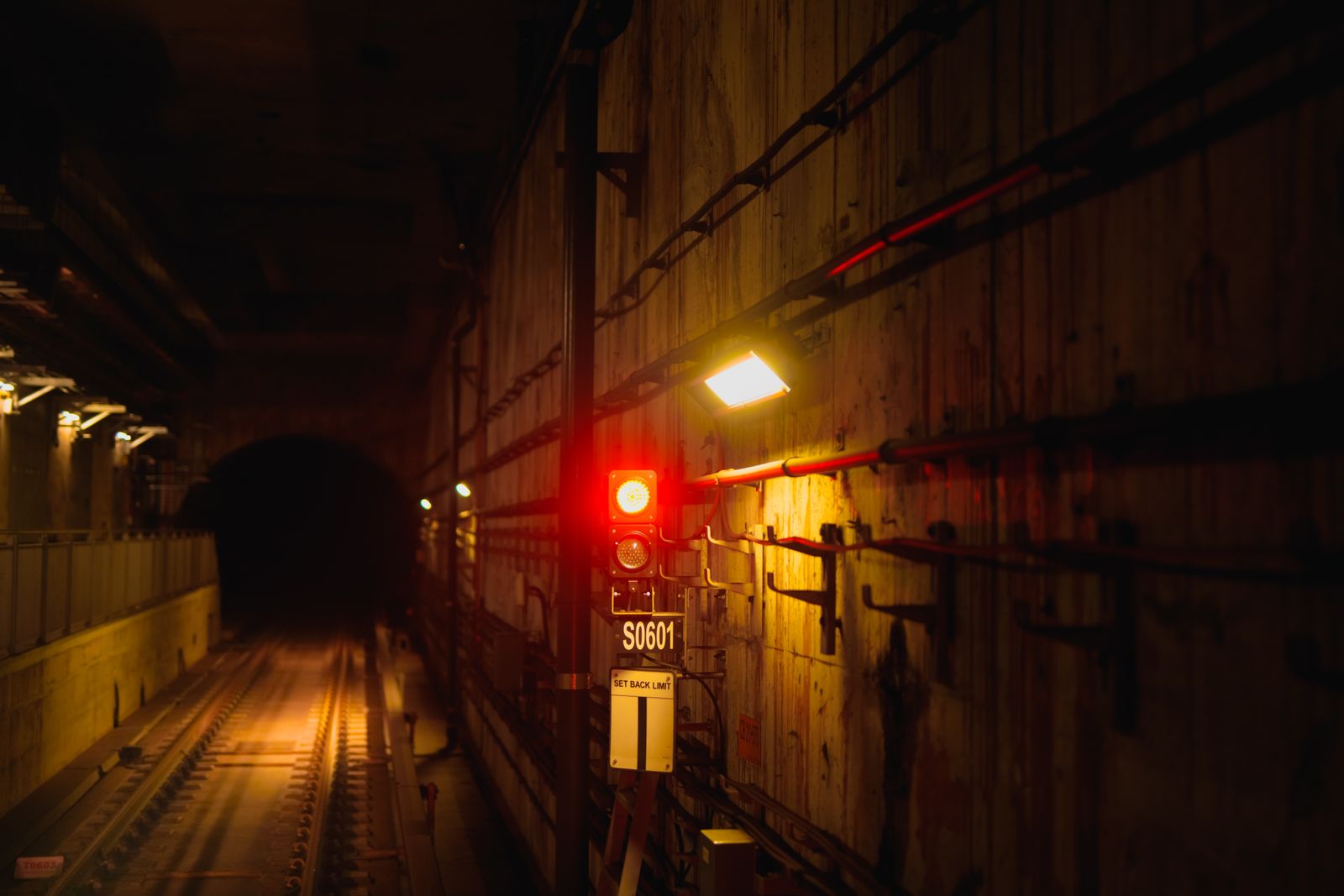
A red signal burning inside a tunnel, with the track disappearing into the dark beyond it. Being inside the tunnel does not mean nothing applies to you. The traffic still has to obey what is at the other end, and someone is still operating the signals.
The four things it does not do
⚠️ This is where most disappointment comes from.
It does not make you anonymous. If you sign in to an account, that account identifies you no matter what address you arrive from. A VPN changes the address, not the login.
It does not stop tracking. Cookies, browser fingerprints and advertising identifiers work identically through a tunnel. The tracker does not care where the packet entered the network.
It does not protect the device. Malware, a keylogger, a compromised download and a phone someone else unlocks are all unaffected. That is the domain of full disk encryption, a lock screen and ordinary caution.
It does not hide that you use a VPN. Your provider sees an encrypted connection to an address that belongs to a VPN operator. Concealing that fact is a separate problem with separate tools.
The two settings that decide whether yours works
Turning it on is not the end of the setup.
The kill switch blocks all traffic when the tunnel drops, so nothing falls back to the clear connection during the gap. It is off by default in more clients than you would expect, and untested in almost all of them. See what a kill switch is and, more importantly, how to test it.
Split tunneling does the opposite on purpose: it routes some applications around the tunnel. Useful for printers and banks, dangerous when it grows. Split tunneling covers the three ways it leaks.
And underneath both, DNS. If your name lookups escape outside the tunnel, your provider gets the list of sites you visit even though every page loaded through the VPN. Our page on secure DNS is worth reading before anything else, because it is the leak that makes the rest pointless.
When a VPN is the right tool
On networks you do not control. Hotels, airports, cafes, conference Wi-Fi. Here the gain is concrete and immediate.
Against your provider specifically. If the entity you would rather not have a list of your destinations is the company selling you the connection, a VPN moves that list somewhere else. That is a real answer to a real question.
For reaching services from elsewhere. Straightforward, and the most common actual use.
It is the wrong tool when the problem is a website recognising you, an advertiser following you, or a device that might be seized. Those need different answers, and buying a subscription instead is the expensive way of not solving them.
If you have decided it is the right tool and you run Linux, the client matters as much as the provider. The best VPN for Linux compares Proton VPN, Mullvad and NordVPN on packaging, kill switch and privileges, with the one free option that has no data cap.
The short version
- A VPN routes your traffic through an encrypted tunnel to a server that speaks for you.
- Your provider stops seeing destinations, websites stop seeing your address.
- The VPN operator now sees what your provider used to. Choose one on evidence, not on price.
- It does not grant anonymity, stop tracking, protect the device, or hide that you use one.
- Check the kill switch and DNS. An unverified tunnel is a subscription, not a protection.