What Is a VPN Kill Switch? The Setting That Only Matters on the Day It Fails
A VPN tunnel is not permanent. If the mechanism itself is new to you, start with what a VPN is and come back. It drops when you change network, when the phone wakes from sleep, when the server restarts, when the signal falters for three seconds in a lift.
In that gap, your device does not stop using the internet. It falls back on the ordinary connection and keeps sending, in the clear, to whoever was listening before you turned the VPN on.
A kill switch closes that gap. It blocks all traffic the moment the tunnel is not up, so the fallback never happens. The name is dramatic and the mechanism is dull: it is a firewall rule that says nothing leaves except through the tunnel.
What it actually protects
Not your files, not your passwords. It protects the fact that the connection was yours.
Without one, a five second drop is enough for your device to reveal your real address to whatever it was talking to, and for your provider to see the destination it had stopped seeing. Background applications are worse than browsers here: they reconnect on their own, silently, without anyone touching the screen.
The exposure is short and it is complete. There is no partial version of leaking your address.
The distinction that decides whether yours is any good
Kill switches come in two kinds, and the label rarely tells you which one you bought.
Application level. The VPN client kills the applications you listed. Everything else on the machine keeps talking normally. This is the weaker kind, and it is the more common one.
System level, sometimes called a firewall or network lock. The whole device is blocked at the network layer until the tunnel is back. Nothing gets out, including the things you forgot to list.
⚠️ Check which one you have before you rely on it. An application-level switch protects your browser while your mail client, your cloud sync and your operating system’s own telemetry carry on in the clear. That is a very different promise from the one the marketing page makes.
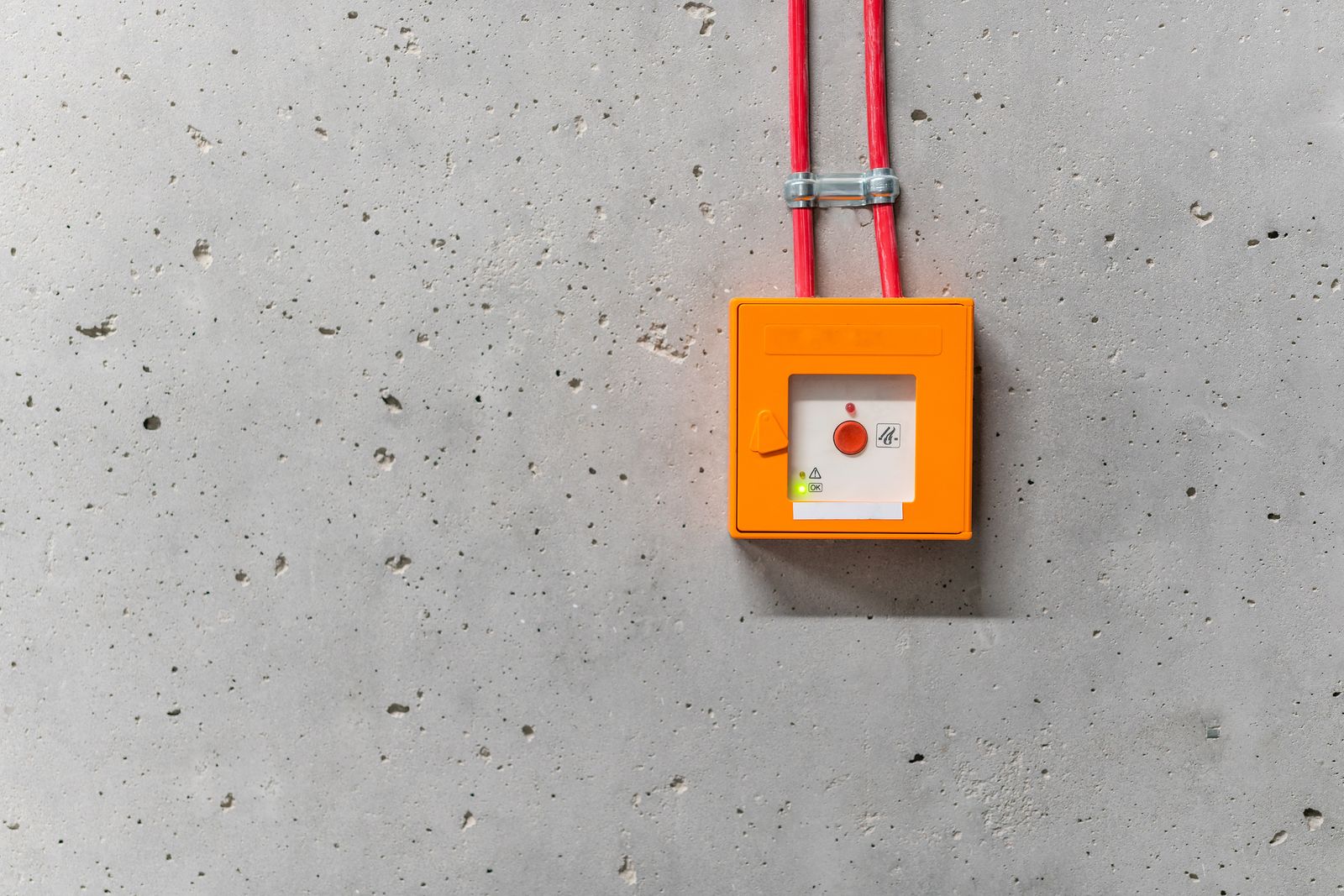
An orange call point wired into a bare concrete wall. It is plainly connected and plainly visible, and nothing about looking at it tells you whether pressing it would do anything. A kill switch is in exactly that position on your device: present, enabled, and unverified until someone tries it.
How to test yours, in about two minutes
Do not trust the toggle. Trust the test.
- Connect the VPN and start something that streams continuously: a large download, a video call, a live stream.
- Kill the tunnel abruptly. Not by clicking Disconnect, which lets the client shut down politely and often triggers the switch correctly. Turn off Wi-Fi and back on, or force quit the VPN process. You are simulating a failure, not a goodbye.
- Watch what happens in the next five seconds. Your traffic should stop dead. Pages should fail to load, the stream should stall.
- If anything keeps flowing, the switch did not fire. Check whether it is application level, whether it covers that application, and whether it survives the process being killed rather than closed.
Repeat the test on each device. The same provider often ships a system-level switch on desktop and an application-level one on mobile, and the mobile case is where you actually change networks all day.
What it does not do
It does not hide that you use a VPN. Your provider still sees an encrypted connection to a known VPN address, which is a separate concern covered in whether a VPN hides your browsing from your provider.
It does not stop a DNS leak. If your name lookups escape outside the tunnel while the tunnel is perfectly healthy, the kill switch never fires, because nothing failed. Our page on secure DNS covers that path, and it is worth closing first: a kill switch guards against the tunnel breaking, not against traffic that was never in it.
It does not make you anonymous. A logged-in account identifies you regardless of address, and no network setting undoes that.
The setting people turn off, and why
Kill switches break things. Your connection dies when the VPN hiccups, captive portals in hotels and airports stop working, and the natural reaction after the third failure is to disable it.
That reaction is understandable and it is the wrong trade if the VPN is there for a reason that matters. A better fix is a narrower one: many clients allow local network access while blocking everything else, which restores printing and file shares without opening the door. That exemption is split tunneling in its smallest and safest form, and it is worth knowing where the larger version stops being safe.
If the VPN is on for convenience rather than for a threat, turning the switch off is a defensible choice. What is not defensible is leaving it on and assuming it works, which is the situation almost everyone is in.
The short version
- A kill switch blocks traffic when the tunnel drops, so nothing falls back to the clear connection.
- Application level protects a list. System level protects the device. Find out which one you have.
- Test it by killing the tunnel abruptly, not by clicking Disconnect.
- It does not hide VPN use, stop a DNS leak, or make you anonymous.
- Enabled is not the same as working, and the day you find out is the wrong day.