The 5 Two-Factor Authentication Methods Ranked, and What Each One Still Fails to Stop

Passwords get phished, leaked and reused - which is why a password alone is no longer enough to protect an account. Two-factor authentication (2FA) fixes the biggest weakness by requiring a second proof of identity. This guide explains what 2FA is, the methods from weakest to strongest, the honest limits, and how to turn it on.
The short definition
Two-factor authentication requires two different kinds of proof to log in: your password, plus a second factor that a thief is unlikely to also have. Even if someone steals or guesses your password, they’re stopped at the second step. It’s sometimes called two-step verification, and it’s the single most effective thing most people can do to secure their accounts.
The three kinds of factor
Security factors fall into three categories, and 2FA combines two of them:
- Something you know - a password or PIN.
- Something you have - your phone, an authenticator app, or a hardware security key.
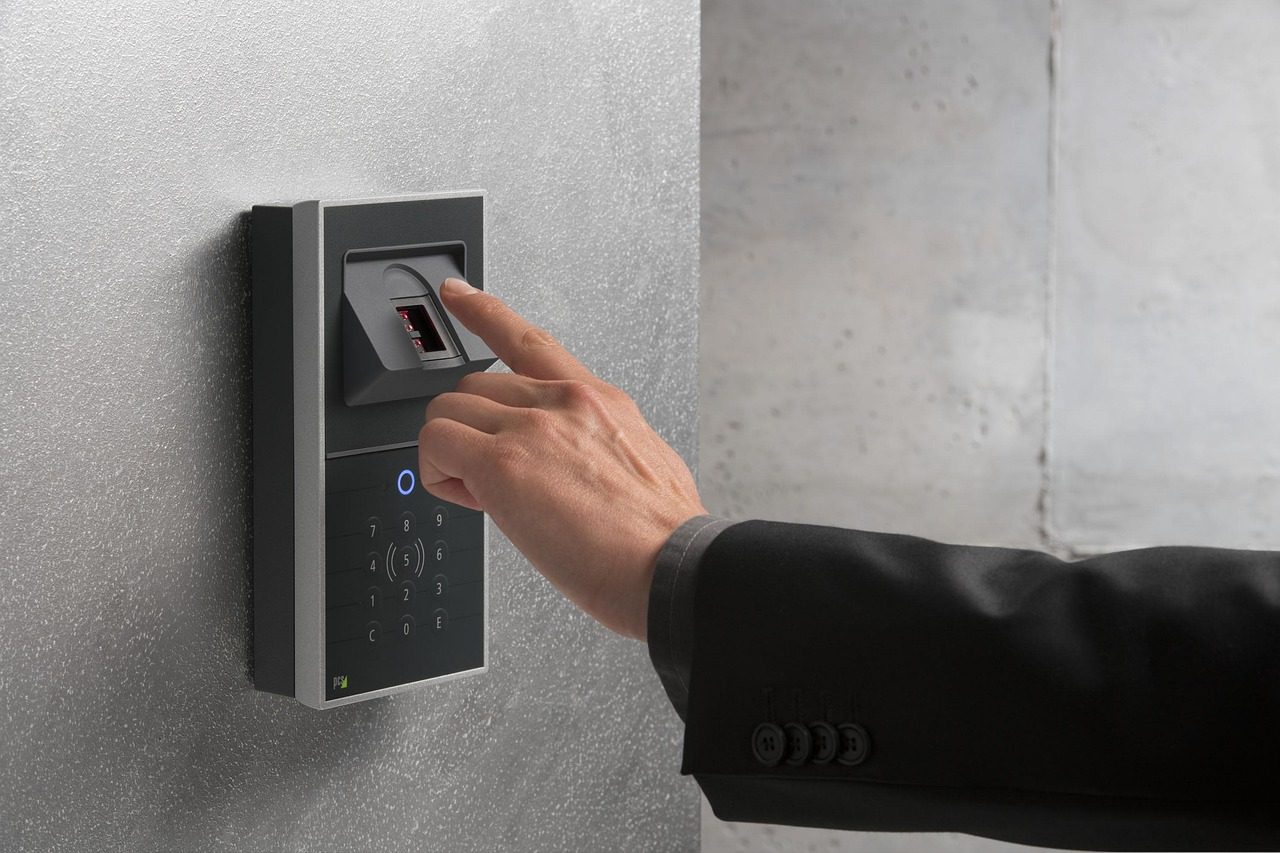
- Something you are - a biometric like a fingerprint or face scan.
Using two factors of different types is what makes it strong. Two passwords aren’t two factors; a password plus a code from your phone is.
How it works
The flow is simple: you enter your password as usual, then the service asks for a second factor - a code, an app approval, or a tap of a security key. Only when both check out are you let in. Because the second factor is tied to a device you physically control, an attacker who only has your password is locked out.
The methods, weakest to strongest
Not all 2FA is equal:
- SMS codes - a code texted to your phone. Better than nothing, but the weakest: vulnerable to SIM-swap attacks, where a criminal ports your number to their device. That attack is worth understanding on its own, because the defence happens at your carrier rather than in the account: see SIM swap attack prevention.
- Authenticator apps (TOTP) - apps that generate a rotating 6-digit code offline. Much safer than SMS and widely supported.
- Push approvals - the service sends a “was this you?” prompt to an app. Convenient, but beware blindly approving prompts you didn’t trigger (a real attack technique).
- Hardware security keys - a physical key (using FIDO2/WebAuthn) you tap or plug in. The strongest option, and resistant to phishing because the key checks the real site.
- Biometrics - fingerprint or face, usually unlocking a key stored on your device.
If a service offers it, prefer an authenticator app or a hardware key over SMS.
The honest limits
2FA is powerful but not magic. SMS codes can be intercepted via SIM-swaps; push prompts can be abused if you approve them carelessly; and recovery codes (the backup codes a service gives you) must be stored safely, because they bypass 2FA by design. Set up a backup method so you don’t lock yourself out, and keep those recovery codes somewhere secure.
A password manager makes 2FA easy
Many password managers can store your 2FA codes alongside your logins, generating the rotating TOTP code for you - so strong passwords and a second factor live in one encrypted place.
The honest takeaway
Two-factor authentication is the highest-value security step most people aren’t using everywhere yet. Turn it on for your email and financial accounts first - email is the master key that resets everything else - and prefer an authenticator app or hardware key over SMS. Keep backup codes safe, and a leaked password stops being a stolen account.
Frequently asked questions
Is two-factor authentication really necessary?
For any account you care about - email, banking, social media - yes. Passwords get phished, leaked in breaches and reused, so a password alone is a single point of failure. A second factor means a stolen password is no longer enough to take over the account, which blocks the vast majority of automated and opportunistic attacks.
What is the most secure type of 2FA?
A hardware security key using FIDO2/WebAuthn is the strongest, because it is phishing-resistant - the key cryptographically checks it is talking to the real site before responding. Next best is an authenticator app generating offline TOTP codes. SMS codes are the weakest, as they can be intercepted through SIM-swap attacks, but any 2FA beats none.
What happens if I lose my second factor?
This is why you set up a backup before you need it. Save the recovery codes a service gives you when you enable 2FA, and ideally register a second method (a backup key or your authenticator on another device). Store recovery codes somewhere safe and offline, because they bypass 2FA by design and would let anyone in.
Where does 2FA sit in your own setup?
Two-factor authentication closes one door. Which door it closes, and whether the others are still open, depends on the rest of your setup, and that part is measurable.
Ten questions on your actual habits, under two minutes, and you get the archetype they add up to plus the three changes that reduce your exposure the most, ordered from best return to worst. The first one is often not the one people expect.
No account, nothing stored about you. It is ours, and the link is nofollow on purpose: we send you
there because knowing what 2FA does matters less than knowing where yours sits.