What Is Phishing? How to Spot and Stop It (2026)
Phishing is the most common way ordinary people get hacked - and it doesn’t attack your software, it attacks you. Instead of breaking encryption, an attacker simply tricks you into handing over a password or clicking a malicious link. This guide explains what phishing is, the main types, the red flags, and the defenses that genuinely reduce the risk.
If you want to go deeper, our guides on how to identify a phishing email and how to prevent phishing cover the practical habits, and social engineering explains the broader manipulation tactics phishing belongs to.
The short definition
Phishing is a social-engineering attack that impersonates a person or organisation you trust to trick you into revealing sensitive information - passwords, card numbers, codes - or into installing malware. It usually arrives as a fake email, text or message that looks legitimate and pushes you to act fast. The name is a play on “fishing”: the attacker dangles bait and waits for someone to bite.
How a phishing attack works
The pattern is almost always the same:
- The lure. A message impersonating your bank, an employer, a delivery service or a popular app, often with an urgent or scary hook (“your account will be suspended”, “confirm this payment”).
- The hook. A link to a look-alike website, or an attachment. The site is a near-perfect copy of the real login page.
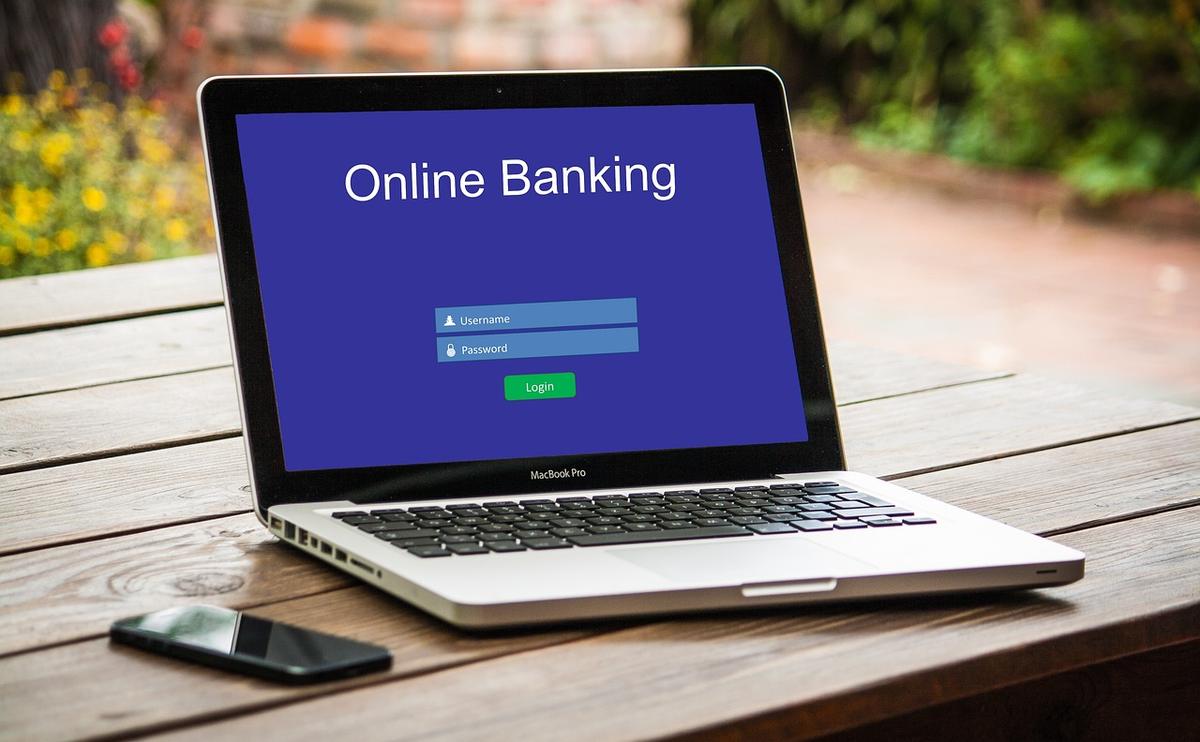
- The catch. You enter your username and password - straight into the attacker’s hands. Often the fake page then forwards you to the real site so nothing seems wrong.
Because it relies on trust and urgency, phishing works on careful people too - not just the careless.
The main types
- Email phishing - mass emails impersonating a brand, sent to huge lists hoping a fraction bite.
- Spear phishing - targeted at a specific person, using real details about you to seem credible. Far more convincing.
- Whaling - spear phishing aimed at executives or high-value targets.
- Smishing - phishing by SMS/text (fake delivery or bank texts).
- Vishing - phishing by phone call, often impersonating support or your bank.
- Clone phishing - a copy of a real email you received, with the links swapped for malicious ones.
The red flags
Most phishing gives itself away if you slow down and look:
- Urgency or threats - “act now or your account is locked”. Pressure is the point.
- Mismatched or look-alike links - hover before clicking; the visible text and the real URL differ, or the domain is subtly wrong (paypaI with a capital i, extra words before the real domain).
- Generic greetings - “Dear customer” instead of your name (less reliable for spear phishing).
- Requests for credentials or codes - real services don’t ask for your password or 2FA code by email.
- Unexpected attachments - especially documents asking you to “enable content”.
- Sender address that doesn’t match the organisation, even if the display name looks right.
How to protect yourself
No single trick is enough; layers are what work:
- Don’t click links in unsolicited messages. Go to the site directly by typing the address or using a bookmark, then log in there.
- Turn on two-factor authentication (2FA). If your password is phished, a second factor can still block the login. App-based or hardware keys are stronger than SMS.
- Use a password manager. Beyond strong unique passwords, it adds a quiet anti-phishing layer - see below.
- Verify out of band. If your “bank” messages you, call the number on your card, not one in the message.
- Keep software updated so malicious attachments have fewer flaws to exploit, and report phishing to your provider.
A password manager is quiet anti-phishing
This is the underrated defense. A password manager ties each saved login to the real domain it belongs to. On a look-alike phishing page, the manager simply won’t offer to autofill your credentials - because the domain doesn’t match. That silent refusal is often the first clear signal that a “login page” is fake, and it stops you from pasting your password into the wrong place.
When the second factor does not save you
One family of phishing defeats this layered defence on purpose. An adversary in the middle attack proxies the genuine login page instead of copying it, so your one time code is forwarded to the real service and the attacker keeps the session cookie. It is worth knowing which factor types survive that, and which do not.
The honest takeaway
Phishing targets human trust, not software flaws, which is why even experts occasionally get caught by a well-crafted spear-phishing message. You can’t rely on never making a mistake - you rely on defense in depth: slow down on urgent messages, go to sites directly, and put 2FA and a password manager between a single slip and a stolen account. Those layers turn a successful phish into a near-miss.