What Is a Keylogger? How It Steals Passwords & How to Stop It (2026)

Everything private you do on a computer starts at the keyboard - passwords, messages, card numbers. A keylogger is built to capture exactly that: it records every key you press and sends it to someone else. This guide explains what a keylogger is, how it works, how to spot one, and how to keep your keystrokes private.
Keyloggers usually arrive through social engineering rather than a software flaw, and on Linux you can hunt for them with Linux antivirus and malware scanning.
The short answer
- A keylogger is a tool that secretly records every keystroke you type.
- Its goal is to steal what you type - passwords, logins, messages, and payment details.
- It comes in two forms: software (a hidden program) and hardware (a physical device plugged in between your keyboard and PC).
- Keyloggers are a type of spyware, and their whole purpose is to stay invisible.
How keyloggers work
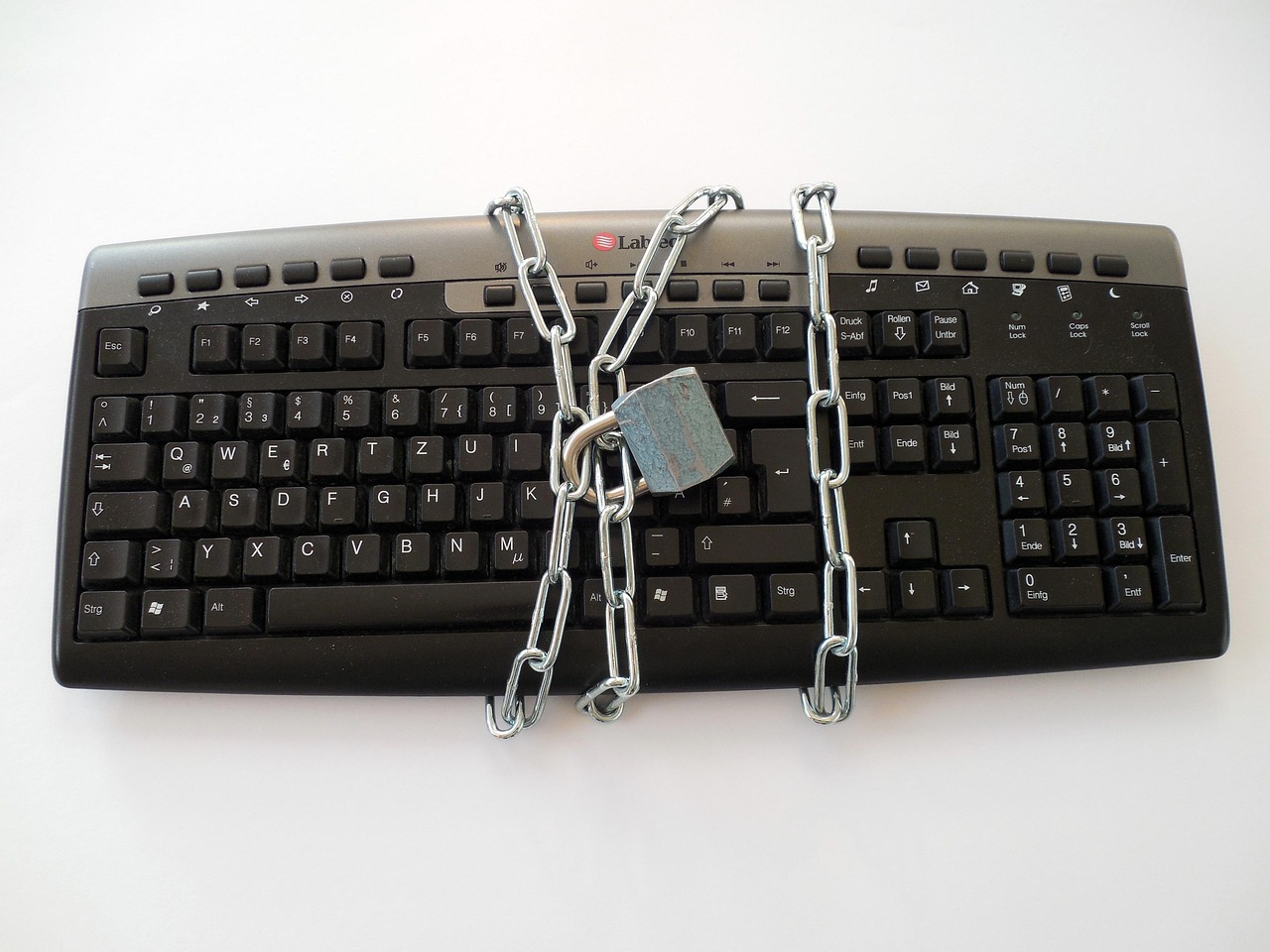
A keylogger sits quietly between you and your computer and logs each key as you press it. Software keyloggers are programs that hide on your system. They often come bundled with other malware, and send their logs to an attacker over the internet. Hardware keyloggers are small physical devices. They plug in between a keyboard and the computer, so they need no software at all. That is why a scan cannot find them.
How they get onto your device
Software keyloggers arrive the same way as other malware: a malicious download, an email attachment, a fake installer, or bundled with “free” software. Some are part of a larger spyware package or a rootkit that hides them deeply. Hardware keyloggers need physical access - a risk mostly on shared, public, or workplace computers.
How to detect and remove one
Because keyloggers hide, the clues are indirect: a slower system, odd network activity, or your antivirus being switched off. To find a software keylogger, run a full scan with your security tools. Add a trusted second scanner, remove what they flag, and reboot. For a suspected hardware keylogger, physically inspect the cable and ports between your keyboard and the computer. When in doubt about a serious infection, the safest cure is a clean reinstall.
How to protect your keystrokes
You can make a keylogger far less useful even if one slips through:
- Use a password manager. It fills your logins for you instead of you typing them, so there are no keystrokes to capture.
- Turn on two-factor authentication. A stolen password alone is then not enough to get in.
- Keep software updated and install only from sources you trust.
- Be careful on shared computers, where hardware keyloggers are most likely.
The bottom line
A keylogger records everything you type to steal your passwords and private data, and it works hard to stay hidden - especially the hardware kind a scan cannot see. Defend against it on two fronts. Keep the software kind out with updates, careful downloads, and scans. Then blunt all of them with a password manager and two-factor login, so your most sensitive keystrokes are never typed at all.
Frequently asked questions
What is a keylogger in simple terms?
A keylogger is a tool that secretly records every key you press on a keyboard. Attackers use it to capture passwords, messages, and card numbers as you type them. It can be a hidden program (software) or a small physical device plugged into your computer (hardware), and its whole purpose is to stay unnoticed.
Can antivirus detect a keylogger?
It can detect most software keyloggers, especially with a full scan plus a second-opinion anti-malware scanner. But antivirus cannot find a hardware keylogger, because that is a physical device with no software to scan. On a shared or public computer, inspect the keyboard cable and ports as well as running a scan.
How do I know if I have a keylogger?
The signs are indirect, because keyloggers hide. Watch for an unexplained slowdown, strange network activity, security software that turns off, or accounts being accessed without you. None proves an infection alone, but together they justify a full scan from clean tools and, for shared machines, a physical check of the keyboard connection.
How can I protect myself from keyloggers?
Use a password manager so your logins are filled in rather than typed, leaving no keystrokes to capture. Turn on two-factor authentication so a stolen password is not enough on its own. Keep your system updated, install software only from trusted sources, and be cautious on shared or public computers where hardware keyloggers are most common.