How to Prevent Phishing in 2026 - Now That AI Has Made It Far Worse
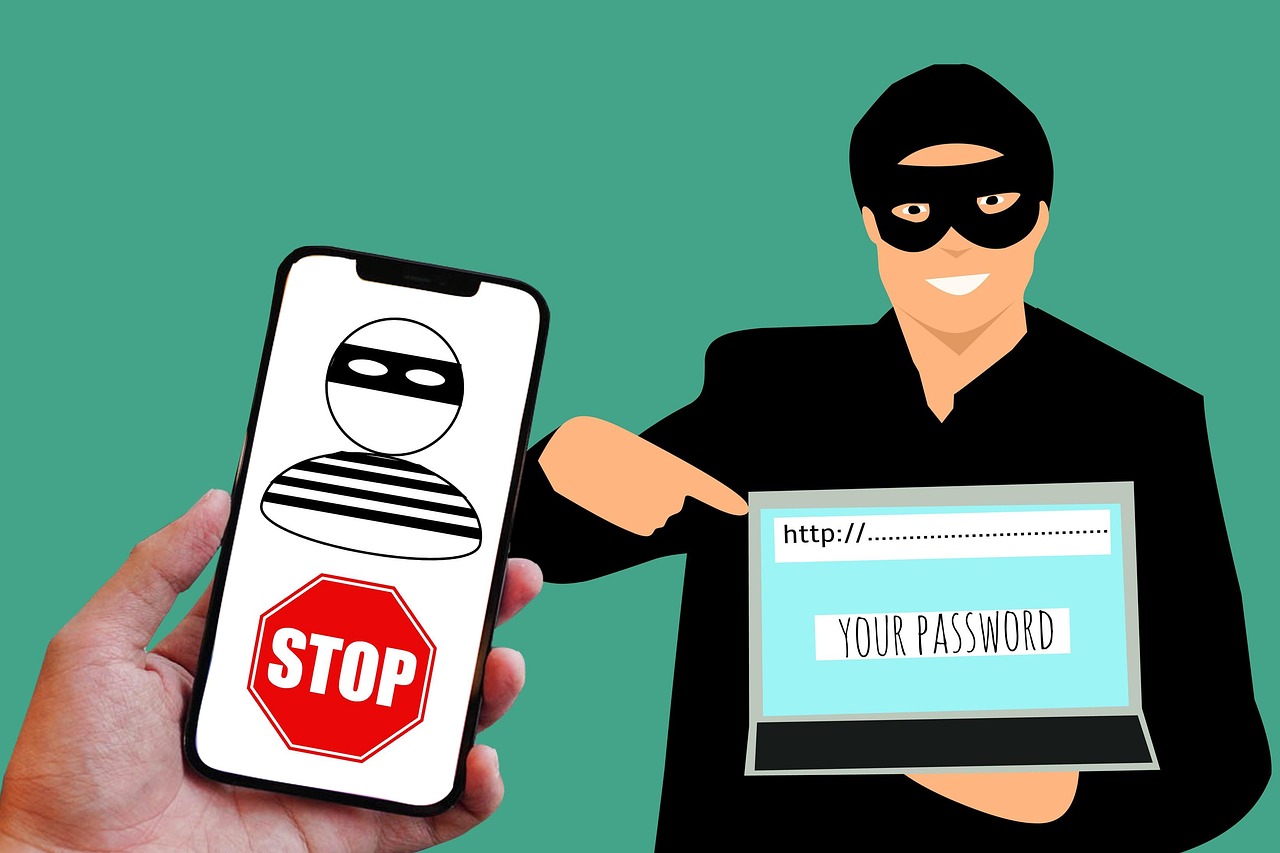
Phishing - tricking you into handing over a password, code or payment on a page that only looks legitimate - has always been the most common way accounts get compromised. In 2026 it got dramatically worse, because generative AI now writes flawless, personalised lures at scale. Security researchers reported that AI-generated phishing surged roughly 14× in 2026, and the FBI’s Internet Crime Complaint Center logged 191,561 phishing and spoofing complaints in 2025 - more than any other crime category, with reported losses jumping 208% year over year.
The good news: the defences haven’t changed as much as the attacks have. A handful of habits still stops the overwhelming majority of phishing - you just have to apply them consistently, because the emails are now much harder to spot by eye.
Prevention works best alongside detection: learn how to identify a phishing email, and understand social engineering, the human-manipulation category these attacks rely on.
Why phishing suddenly got worse
For years, the easiest tell of a phishing email was bad writing: clumsy grammar, odd phrasing, generic greetings. Generative AI erased that tell. Attackers now produce fluent, correctly formatted messages in any language, personalised with details scraped from data breaches and social media. One report tracked AI-assisted phishing rising from about 4% of reported phishing in late 2025 to a peak of over half within weeks.
That means the old advice - “look for typos” - is no longer enough. The reliable signals today are about context and behaviour, not language quality.
Where the ordinary incidents actually happen
Phishing leaves no file to scan and breaks no encryption: you type the password yourself, on a page that looks right. Which means the defence is not a tool you install but an arrangement, one password per service, the mailbox first, and knowing which account commands the others.
Situate your own attack surface, 10 questions, about three minutes, no account, no email, nothing stored. It names the arrangement that is missing at your end, and it is not the same one for everybody.
How to spot a modern phishing attempt
Judge the situation, not the spelling:
- Unexpected urgency. “Your account will be closed in 24 hours”, “confirm this payment now.” Manufactured time pressure is the single most common manipulation.
- A link that wants your credentials. Any message that sends you to a login page is suspect. Hover (or long-press) the link and read the real domain -
paypa1.comorsecure-paypal.account-verify.comis notpaypal.com. - A request that bypasses normal channels. A “CEO” asking for gift cards, a “supplier” changing bank details by email, a “colleague” needing a 2FA code - verify through a separate, known channel.
- Attachments you didn’t ask for, especially documents that ask you to “enable content” or visit a link to view them.
- Mismatched sender. The display name says your bank; the actual address is a random Gmail. On mobile, tap to expand the real sender.
How to prevent phishing - the steps that work
- Never enter credentials from an email or message link. Navigate to the site yourself, by typing the address or using a bookmark. This single habit defeats most phishing.
- Turn on two-factor authentication everywhere, and prefer an authenticator app or a hardware passkey over SMS. Even if a password is phished, the attacker still can’t log in.
- Use unique passwords for every account, so one phished credential can’t unlock the rest of your life.
- Slow down on urgency. Legitimate organisations don’t lose your account because you took ten minutes to verify.
- Verify out of band. When a message asks for money, credentials or a code, confirm through a number or app you already trust - never the contact details in the message itself.
- Keep software and browsers updated, so known phishing pages and malicious attachments are caught by built-in protections.
Why a password manager is your strongest anti-phishing tool
A good password manager does something your eyes can’t do reliably: it checks the domain. Its autofill only offers your saved password on the exact site it belongs to, so on a lookalike phishing page - where a human might not notice app1e.com - the manager simply stays silent. That silence is a warning. It also generates and stores a unique password for every account, so a single successful phish can’t cascade into everything else.
The case these steps do not cover
These habits stop copied login pages. They do not stop an adversary in the middle attack, which forwards your password and your code to the real site in real time and steals the session that comes back. Against that one, only an origin bound factor helps.
The bottom line
AI has made phishing fluent, personalised and constant - but it hasn’t changed what defeats it. Never enter your credentials from a link, turn on two-factor authentication, give every account a unique password, and slow down whenever a message manufactures urgency. The attacks are smarter; the habits that stop them are still simple, and still work.